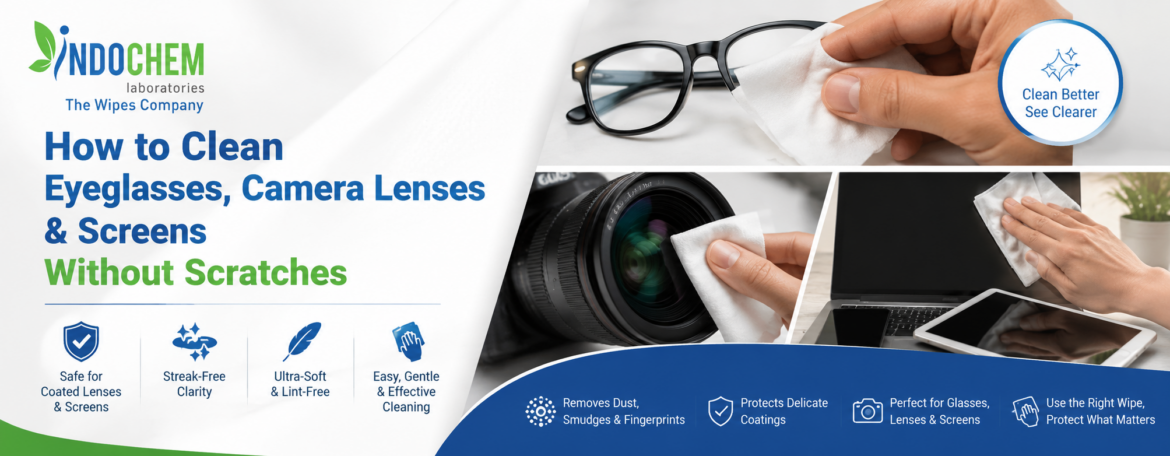
To clean eyeglasses, camera lenses, and screens safely, first remove loose dust, use a clean microfiber cloth or suitable lens-cleaning wipe Manufacturer, and avoid abrasive materials. Apply only a compatible cleaning solution when needed, wipe gently without excessive pressure, and never use household chemicals that may damage coatings or sensitive surfaces.
Eyeglasses, camera lenses, smartphones, tablets, monitors, and other optical surfaces collect fingerprints, dust, oil, and smudges during everyday use. Although cleaning them regularly helps maintain clarity and appearance, incorrect cleaning methods can create fine scratches, leave residue, or damage protective coatings.
The safest approach is to use a cleaning method appropriate for the specific surface and avoid unnecessary friction.
Why Proper Cleaning Matters
Many modern optical surfaces have specialized coatings. Eyeglasses may have anti-reflective, scratch-resistant, or UV-related coatings, while camera lenses can contain delicate optical coatings. Screens may also have oleophobic or other surface treatments.
Using unsuitable chemicals, rough fabrics, paper products, or excessive pressure can gradually affect these surfaces.
Step-by-Step Cleaning Method
1. Remove Loose Dust First
Before wiping, gently remove loose dust and particles. Rubbing particles directly against the surface can increase the risk of micro-scratches.
For camera lenses and delicate optical equipment, use a method specifically intended for lens cleaning.
2. Choose the Right Cleaning Material
Use a clean, soft microfiber cloth or a purpose-designed lens cleaning wipe. The material should be low-lint and suitable for the surface.
Avoid tissues, paper towels, rough clothing, or abrasive materials because they may leave fibers or cause surface damage.
3. Use a Compatible Solution
If the manufacturer’s instructions permit liquid cleaning, use a solution specifically designed for the relevant surface.
Do not automatically use household glass cleaner, alcohol-based products, ammonia, or other chemicals on every surface. Compatibility depends on the device and its coatings.
4. Wipe Gently
Use light pressure and gentle movements. Excessive rubbing does not necessarily produce better cleaning and can increase friction.
For camera lenses, avoid touching the optical surface unnecessarily.
5. Inspect the Surface
After cleaning, check the surface under suitable lighting. If streaks or residue remain, use a clean portion of the microfiber cloth or an appropriate cleaning wipe rather than repeatedly rubbing the same area.
Cleaning Eyeglasses Safely
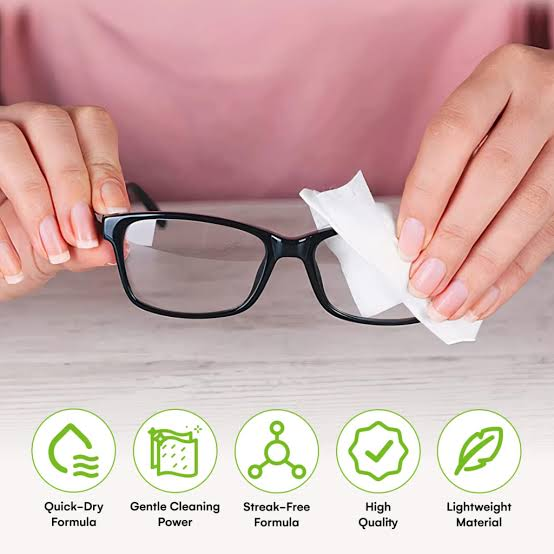
Eyeglasses benefit from regular cleaning because fingerprints, skin oils, dust, and cosmetic residue can reduce visual clarity.
When appropriate, rinse or clean according to the manufacturer’s recommendations before wiping. Pay attention to the lenses, nose pads, and frame areas where oils and dirt can accumulate.
Never use a dirty cloth repeatedly because trapped particles can act like abrasives.
Cleaning Camera Lenses
Camera lenses require additional care because optical performance is important.
Avoid aggressive rubbing and household cleaning products. Use dedicated lens-cleaning accessories and follow the camera or lens manufacturer’s instructions.
If significant dirt, moisture, or contamination is present, professional cleaning may be safer than repeatedly attempting to remove it yourself.
Cleaning Screens
For smartphones, laptops, monitors, and tablets, always follow the manufacturer’s cleaning instructions.
Turn off and unplug the device when appropriate. Use a soft, clean microfiber cloth and avoid applying excessive liquid directly to the screen.
Instead of soaking the surface, use controlled moisture with a suitable cleaning material when permitted by the manufacturer.
Common Mistakes to Avoid
- Using paper towels or rough fabrics
- Cleaning with a dirty cloth
- Applying excessive pressure
- Rubbing loose dust into the surface
- Spraying liquid directly into device openings
- Using incompatible household chemicals
- Reusing heavily contaminated wipes
- Ignoring manufacturer cleaning instructions
Why Purpose-Designed Lens Cleaning Wipes Can Help
Purpose-designed lens cleaning wipes can provide a convenient option for removing fingerprints, dust, and light smudges from compatible optical surfaces.
A suitable wipe should be designed to minimize lint, streaking, residue, and surface damage. However, not every wipe is suitable for every device, so the product’s intended application should always be checked before use.
FAQs
1. Can I clean eyeglasses with a tissue?
It is better to use a clean microfiber cloth or a suitable lens-cleaning product. Some tissues can leave fibers or create friction against coatings.
2. Can I use glass cleaner on camera lenses?
Do not assume that household glass cleaner is safe for camera lenses. Camera optics may have specialized coatings that require compatible cleaning products.
3. How often should I clean my camera lens?
Clean it when dust, fingerprints, or smudges affect the lens. Frequent unnecessary rubbing should be avoided.
4. Can I use alcohol wipes on screens?
It depends on the device manufacturer’s instructions and the screen’s surface treatment. Always check the manufacturer’s recommendations before using alcohol-based products.
5. What is the best cloth for cleaning lenses?
A clean, soft, low-lint microfiber cloth designed for optical surfaces is generally a suitable choice when compatible with the lens and manufacturer’s instructions.
6. How can I prevent scratches while cleaning?
Remove loose particles first, use suitable cleaning materials, avoid excessive pressure, and never rub the surface with contaminated or abrasive materials.
7. Are lens cleaning wipes safe for all screens?
No. Compatibility varies by formulation and screen coating. Check the wipe’s intended use and the device manufacturer’s cleaning instructions.
Safe cleaning is less about using more force and more about using the right material, compatible solution, and gentle technique. Whether cleaning eyeglasses, camera lenses, or electronic screens, removing loose particles before wiping and avoiding abrasive materials can significantly reduce the risk of scratches.
For specialized surfaces, always prioritize the manufacturer’s care instructions and select cleaning products specifically designed for the intended application.